Billiards Arena
8-Ball pool
Clear your assigned solids or stripes, then legally pocket the 8-ball to win the rack. Work on position play, choosing your next ball and leaving an angle for the finish.
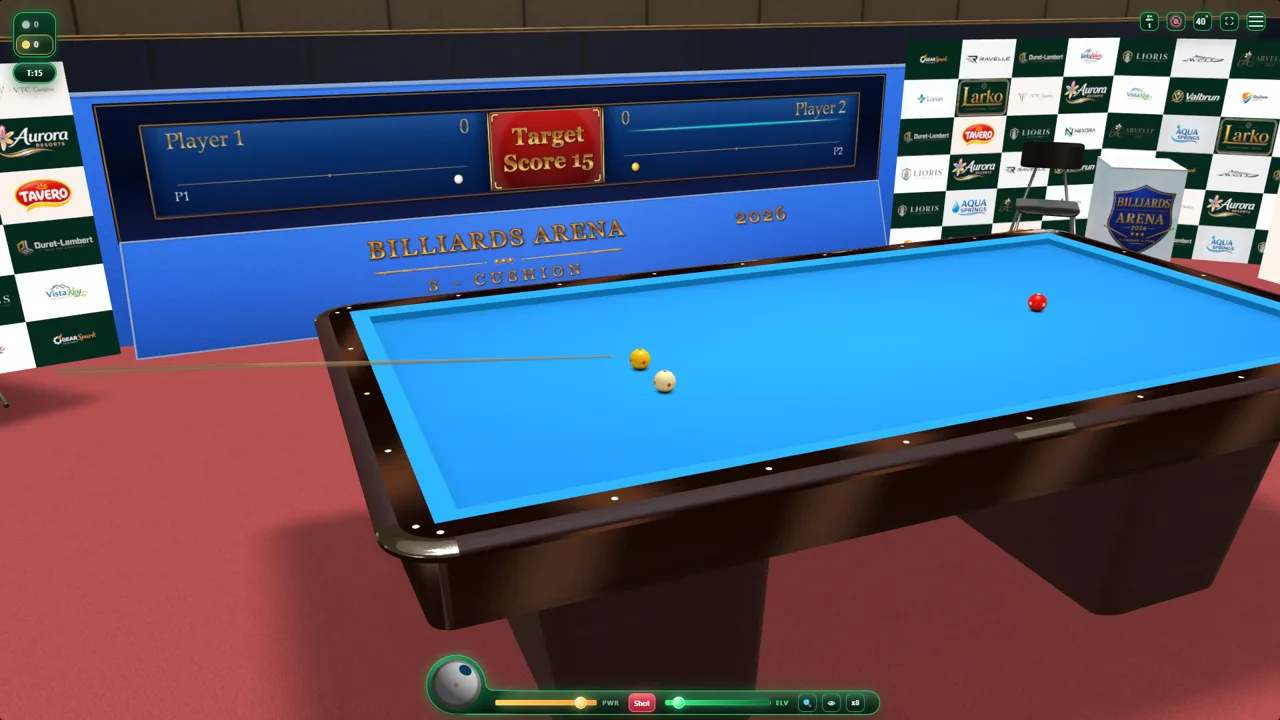
Spin, curves and rebounds
Spin and cue elevation can produce curved trajectories from the start of a shot, especially in massé play. Ball and cushion contacts change the direction and speed; compare the rebound with different spin and power settings.
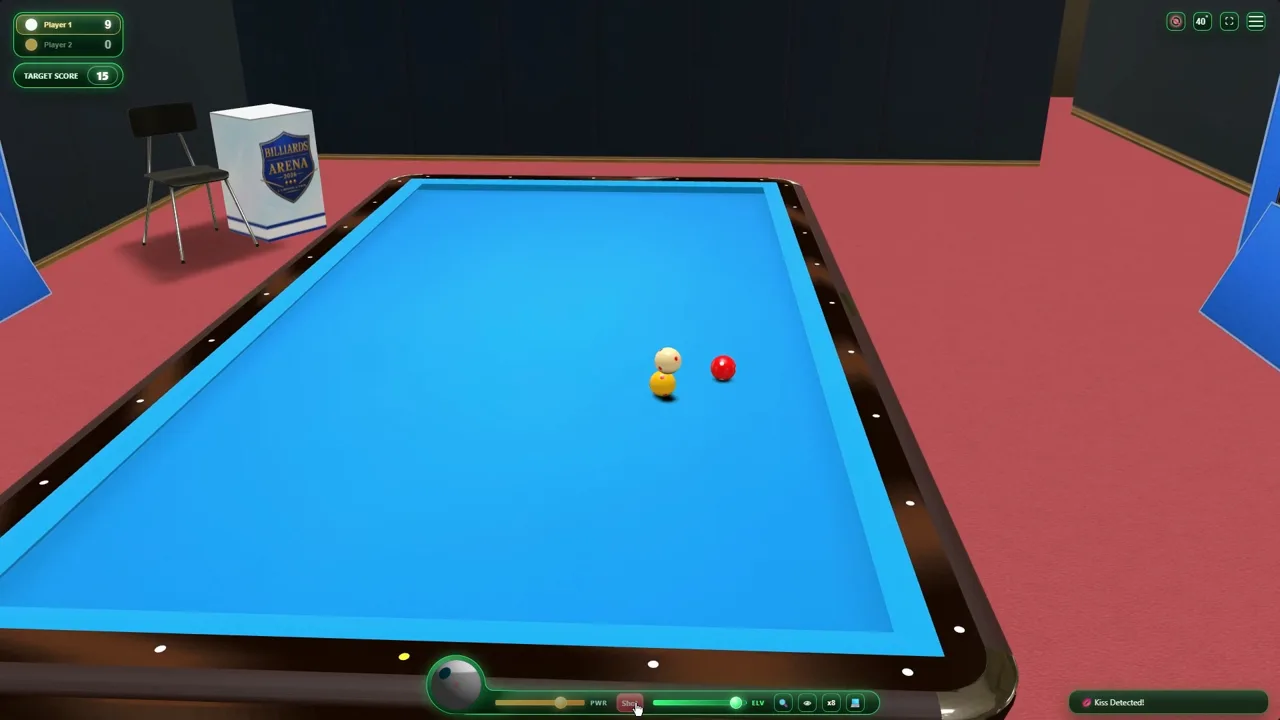
Forward and reverse slow-motion replay
Inspect a shot with precise slow-motion playback in both directions. Follow a cushion contact or ball collision, move backward to the approach and compare the result. Replay links let you share recorded shots.
Watch every shot with a free orbit camera
While watching your own shot, an NPC turn, an opponent online or a replay, drag to orbit 360° around the focus. Drag vertically to move closer or farther and use the wheel to change height. Double-click or double-tap the cloth or a ball to choose the focus; a selected ball stays tracked during the shot and replay. AimView and TopView keep their separate aiming controls.
NPC practice or opponent-free training?
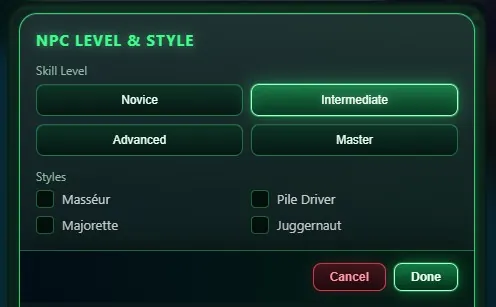
In an NPC match, the computer takes its own turns as your opponent. In separate training, no NPC opponent takes shots: place balls to prepare a position and repeat the shot with different power or spin. Training is available in all three game types. Open local match setup, choose the game and the Training variant; control placement can vary by theme.
Casual, private and ranked matches
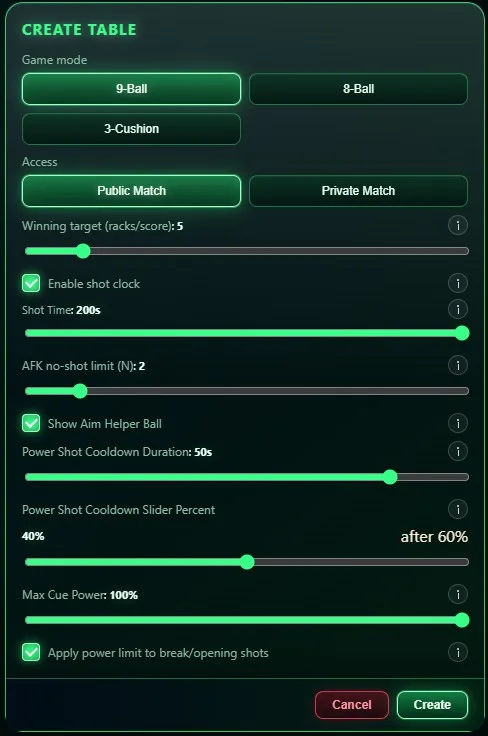
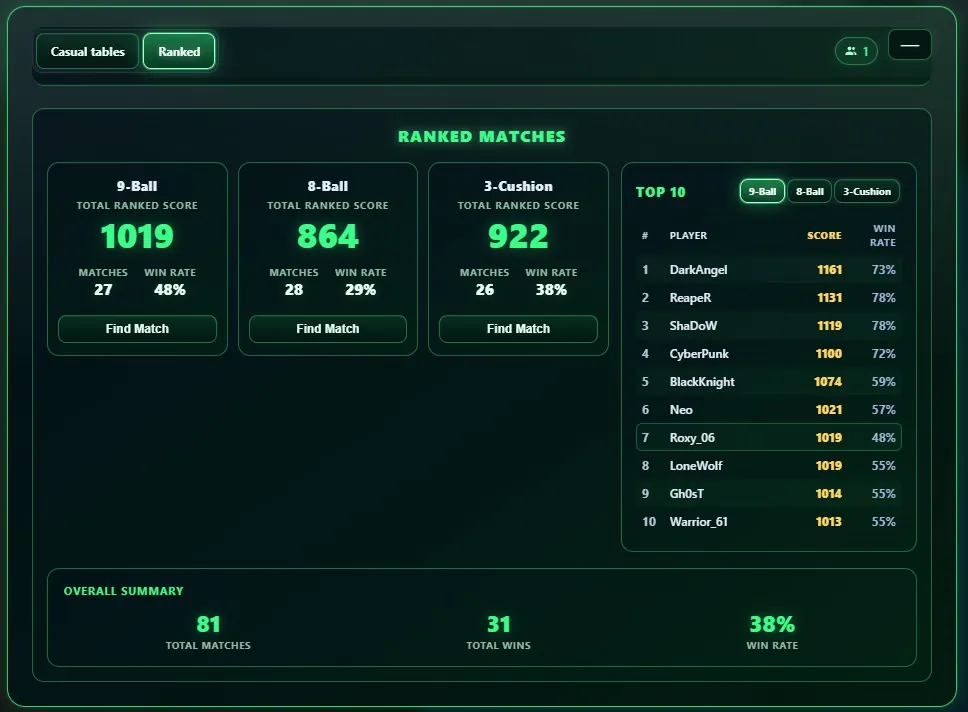
All three game types support online play. Join or create an open casual table with your chosen settings; casual results do not change ranked MMR. Invite a friend to a private casual table, with an option to allow spectators. Ranked matchmaking uses standard settings, Elo-based MMR and league progression; finding an opponent depends on availability. Friends, rematches, reconnection and permitted live spectating support online play. The server verifies shot results. Account access is explained at the multiplayer entry.
Questions before you play
Can I place balls and repeat a shot without an NPC?
Yes. Choose Training in 3-cushion, 8-ball or 9-ball local match setup. Arrange a position and practice without an NPC taking turns.
Can I watch a shot backward in slow motion?
Yes. Replay supports forward and reverse slow-motion playback.
Can I move the camera while watching a shot?
Yes. Orbit with a horizontal drag, move closer or farther with a vertical drag, change height with the wheel, and double-click or double-tap the cloth or a ball to choose the focus.
Can I play a private 8-ball match with a friend?
Yes. Invite your friend to a private casual 8-ball table. This is separate from ranked matchmaking.
Is ranked matchmaking available in 3-cushion?
Yes. 3-cushion, 8-ball and 9-ball each support ranked matchmaking and MMR progression.